Product Price File - import products from a catalogue that are excluded from general searches. Price file products will appear when entering the exact item code, ensuring your searches remain streamlined and efficient, while still providing easy access to these products when necessary.
Added Engine Code to Job Cards.
Added phone number formatting to invoices.
Updates:
Resolved an issue where job card signatures were not showing on the printed job card.
Longer Item Codes will now show the complete code on reports and invoices.
Issues with connecting Westpac terminals and making payments has been resolved.
Improved MYOB errors in the Event Log for clearer reporting.
Cleaned up unnecessary "unsaved data" messages.
Redirected the email verification landing page to appropriate server.
Fixed an issue stopping video attachments from being sent without sending the invoice.
Updated Stock Take to retain the correct page number when changing filters.
Fixed an issue where multiple tax lines were not printing on invoices if more than one tax type was used.
Changed the language of the red bar error when trying to delete an invoice that has a deposit associated. This will now be clearer rather than showing a generic error.
Fixed an issue where ordered parts could be prematurely marked as received. All ordered parts will be marked as "On Order" until the supplier invoice is processed.
Updated Queensland rego lookup.
Resolved a Reserved Stock calculation error when adding a bundle to an invoice. The bundle header (bundle name) will show the correct quantity.
Increased Reserved Stock calculation efficiency to complete in a shorter time frame.
Updated SMS integration to be in line with US regulation. US accounts only.
Updated functions to streamline Workshop Software.
The January update for Workshop Software is here and it is packed with new features and updates! Check out our blog post for a quick video showcasing these new features.
New Features:
Email Verification - use your own email address to send out communication from Workshop Software.
Transaction Centre - check out the expanded Job Centre to manage all of your transactions.
No Tax Option - when using a 0% tax rate the tax field is removed from the software and printed invoices.
Updates:
Towards the end of 2023 we released a text editor. Based on feedback received we have reworked this to increase the font size for job card notes and invoice notes.
Updated the SMS Logs to show the SMS User and Date Sent.
When syncing records to MYOB, if the Street Address is too long it will automatically be cut off to allow syncing to continue.
Updated the Work in Progress Report to allow longer job card numbers to show without losing any digits.
Updated the printed job card to allow longer serial numbers to show without losing any digits.
Resolved an issue where Prevent Split Notes was not functioning for Dealership.
Resolved an issue that was blocking Stripe email payment requests from being sent out.
Fixed an issue that was stopping some products from being deleted.
Updated the More/Add Products window to allow special characters when creating a new product in this way.
Fixed the "Back to Grid" button on bookings to allow the assigned vehicle to be changed.
Resolved an issue that caused some processed invoices to redirect to a blank new invoice when selected.
Cleaned up the Vehicle Visuals event report to better highlight potential issues.
Resolved an issue that was stopping new integrations with MailChimp from being set up.
Fixed an issue where Head Office accounts where not able to access Company Settings.
Resolved an issue where vehicle history shared between branches was not accessible.
Some US users are unable to upload information to Carfax. We have implemented comprehensive logs to further investigate this issue to aid in finding a solution.
We have made a change to the purchasing of DVLA and Post Code Lookups in the UK to stop accidental duplicate purchases.
Removed deprecated functions to streamline Workshop Software.
Updated the Import function to show all Vehicle History Items/Lines data.
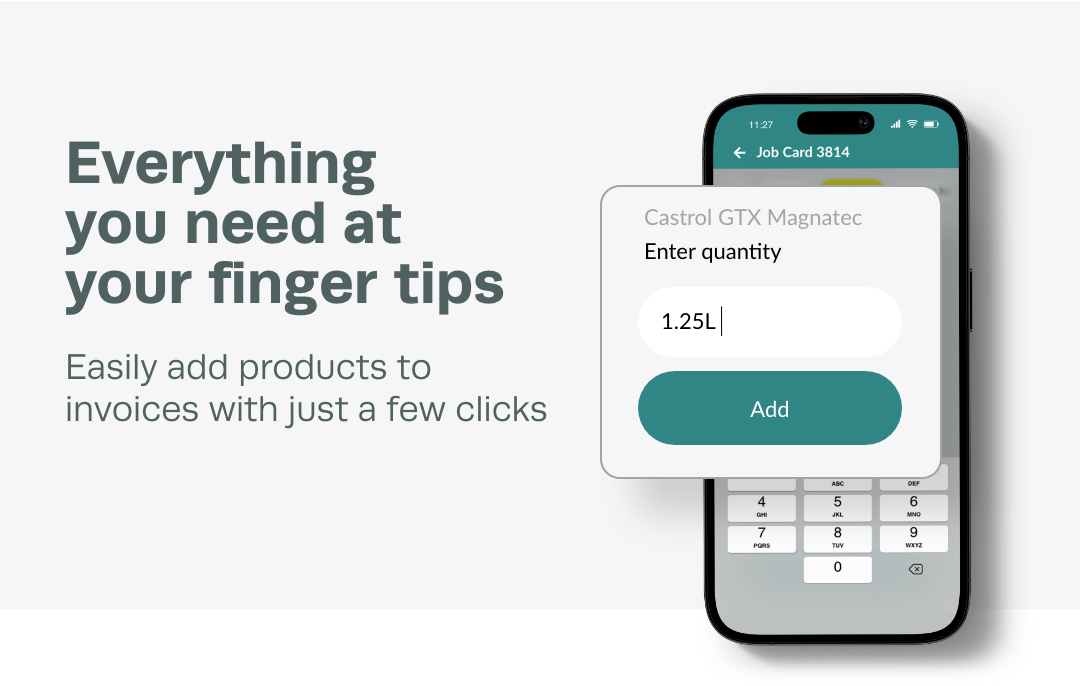
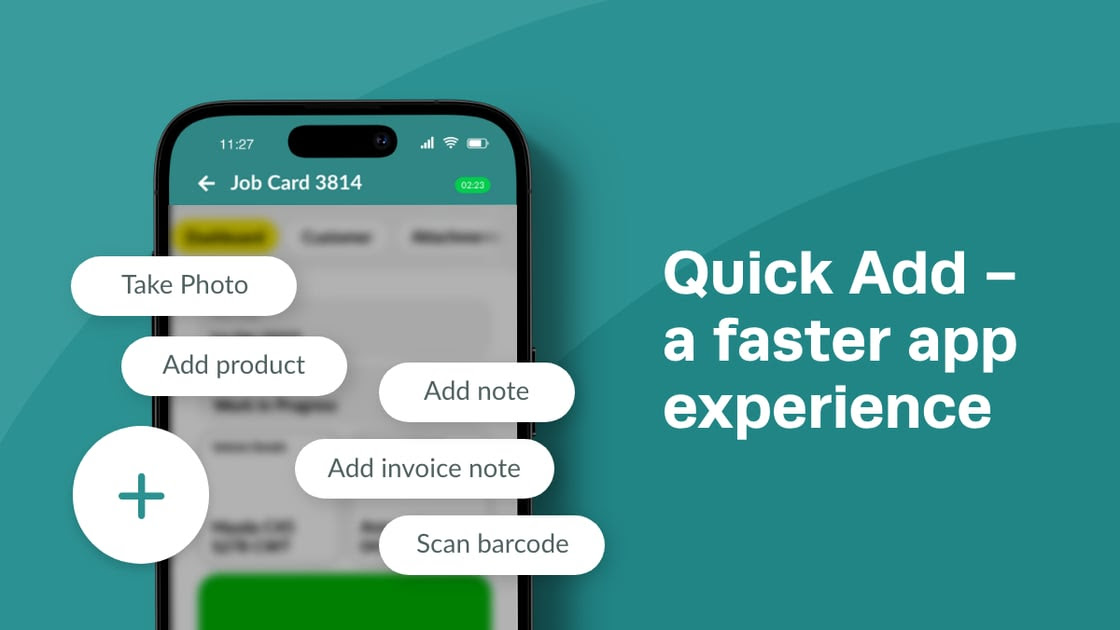
We've re-created the mobile app to deliver you more functionality in an easier to use interface. This update is a new standard for the Workshop Software mobile app, with a plan to continue to grow and evolve the App even more in the future.Edit Products on an Invoice
One of the exciting new features is the ability to add/edit and delete products from an invoice. We've had lots of clients ask for this functionality and the new app delivers. This will help your workshop be even more efficient with Workshop Software and allow your team to manage jobs from the palm of their hand. New Look and FeelThe new look makes it easier to navigate and use. You'll find it much easier to understand and know where you are, and get to the places you want quicker.What you need to know
Ensure you watch the video and understand the new settings to activate some of the new features. You'll also need to update the app from the Apple or Google Play stores. As always, we are working on ways to enhance your experience further and help your workshop be the leader.
Resolved an issue where some users intermittently were not able to create a new product.
Improved online booking system where phone number was used multiple times. In some instances, the wrong customer could be used if the same phone number was used multiple times for different customer records.
Loan Car improvement. The loan car status was not updating in the Booking Diary when all loan cars are booked out for the day.
Resolved an issue where generating a Sales report and setting Search By to Invoice Number would not create the report.
Resolved an issue where the Finalised/Work inspection tile was not opening that list of inspections.
Improved customer and supplier indexes to increase system performance.
Removed deprecated functions to streamline Workshop Software.
Resolved an issue that made the Xero integration settings page inaccessible.
Some users reported finding an incorrect vehicle assigned to certain job cards. This has been resolved.
There was an issue where double clicking a vehicle to attach it to a job card was not responding but single clicking was. This has been changed so that either method will work.
Fixed an issue where Supplier Biller payments were not picking up the invoices for suppliers attached to that Supplier Biller.
We have updated our SMS integration and this comes with a few changes under the hood. Most importantly we have now re-enabled the Mobile Company Name. From today any SMS you send out from Workshop Software will show your business name. Please note that if you are in the US, SMS sent from Workshop Software will come from a pre-determined number in accordance with regulation.
Coming up to the end of the year it can be time consuming entering in unavailable times, to help with this we have implemented a tool to schedule unavailability over a date range. To set unavailability, choose Settings >> Schedule >> Click "Star" action, and choose "Set Unavailable Times"
For New Zealand clients, the WOF Due Date for a vehicle has been added to the Customer Portal.
Major front end infrastructure update. This upgrade comes with improvements under the hood and sets Workshop Software up to provide more enhancements in the future.
A new text editor has been implemented to improve responsiveness while typing up job card notes and messages. This update will also reduce formatting discrepancies between what is shown on screen and what is added to a printed invoice.
We have built out the Activity Log on job cards and invoices to now show when the invoice type or customer has been changed. You can also see when a discount or deposit was added and by which user.
Some users reported unavailable times not showing in the schedule when more than 11 mechanics are rostered on and you flick between pages. This has been resolved.
The Inspection email template has been updated to accurately reflect status changes (red or yellow to green) in Workshop Software.
Statements will now automatically add the date period to the email subject line when sent out.
Improved customer syncing between Workshop Software and MYOB.
A display issue for the description of Bookings when using quotation marks has been resolved.
Some users have reported issues generating the Mechanic Performance report when the report type was set to "Invoice", this has now been resolved.
Some users reported that parts brought back from Burson EzyParts were returning with the cost excluding GST. This has been corrected.
We have made a change to the purchasing of Rego Lookups to stop accidental duplicate purchases.
A display issue with the new product popup message on Multi-Branch has been resolved.
The Rework feature has been updated to only display the relevant invoices for a customer.
Earlier in the year we implemented a change request that updated the auto create order feature to not consider products that are in the status of "On Order". This new update adds an additional Product setting that allows you to auto create orders in the previous way if desired.
When creating a new user login that has limited access, sometimes the new login would not be created correctly. This issue has been resolved.
Some users reported a display issue when using bundles for a customer that has a Price Matrix setup in use. This has been corrected.
Made further improvements to MYOB authorisation.
Some users reported Business Intelligence was slow to update, this has been improved.
Repco integration improvement. We have been working with Repco to improve the integration. This update streamlines the way we open the Repco integration and improves the finding of vehicles.
Some users were unable to access Business Intelligence when creating a new user. This has been corrected.
Re-write of the way we get the MYOB AccessToken back when the token already exists and hasn’t expired. There was a confusing error reported, that actually did not cause an issue, however, we've now improved this process so that you will no longer see the error message.
Some users reported an issue with cycling through products on the More/Add Products window of an invoice. This has been fixed.
Improved security with MYOB. Updated the authorisation process for MYOB.
Burson EzyParts 2.0 API endpoint update. We have been working with Burson EzyParts to improve the integration. This update has some internal improvements inline with Burson's roadmap. As a user you will not see any changes.
The team at Workshop Software are always looking to improve and give more value to you. Implementing this changelog serves several important purposes:
1. Transparency: We aim to provide more transparency to you about what changes have been made to the software. You can see what new features, improvements, and bug fixes have been implemented in each version.
2. Communication: This tool will improve communication between you and our team. This changelog will be used as a clear channel of communication detailing the changes made to the software over time.
3. User Experience: You can refer to the changelog to learn about new features or improvements. It helps people make the most of the software by understanding the changes and enhancements made in the latest version.
4. Community Engagement: Changelogs can foster community engagement by showing that the software is actively maintained and improved. We also encourage feedback on specific changes.
Alongside this changelog we have also implemented a feature suggestion board which you can access at the top left of this page. On this page you will be able to make suggestions for enhancements to Workshop Software as well as vote on ideas put forward by other Workshop Software users.